

How to Design Custom Shoes
Learn how to design your own custom shoes now
Watch our video tutorial on how to customize your shoes and transform plain ones into a unique expression of your imagination.
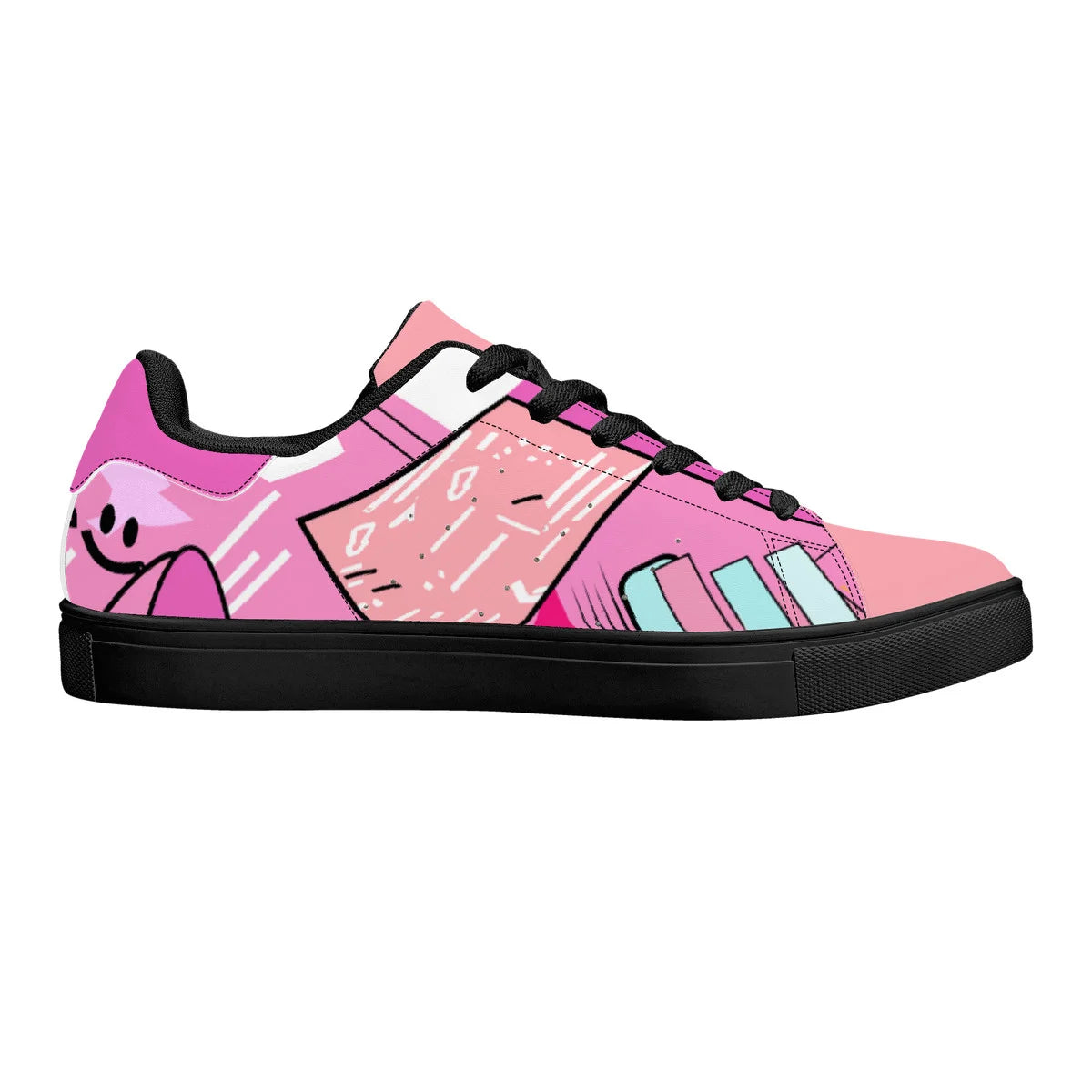
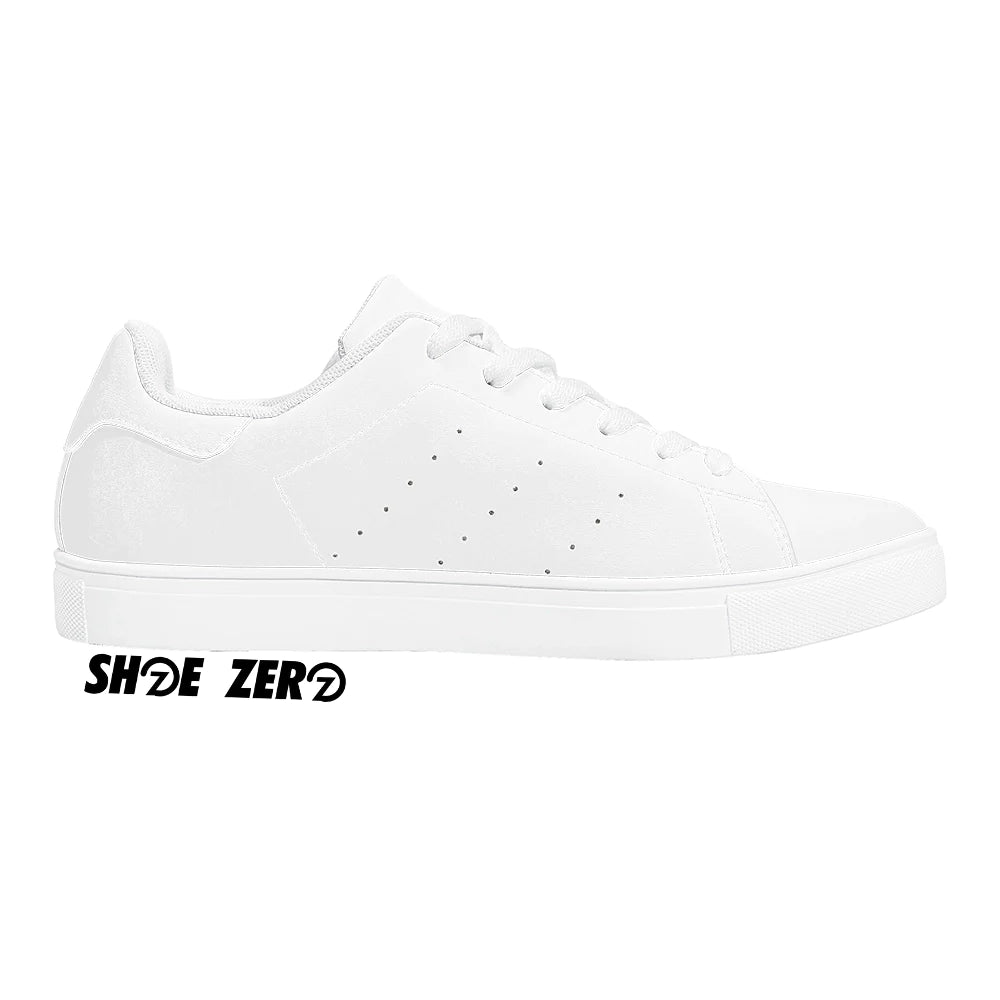
How It Works
Follow these steps to create your perfect custom shoe
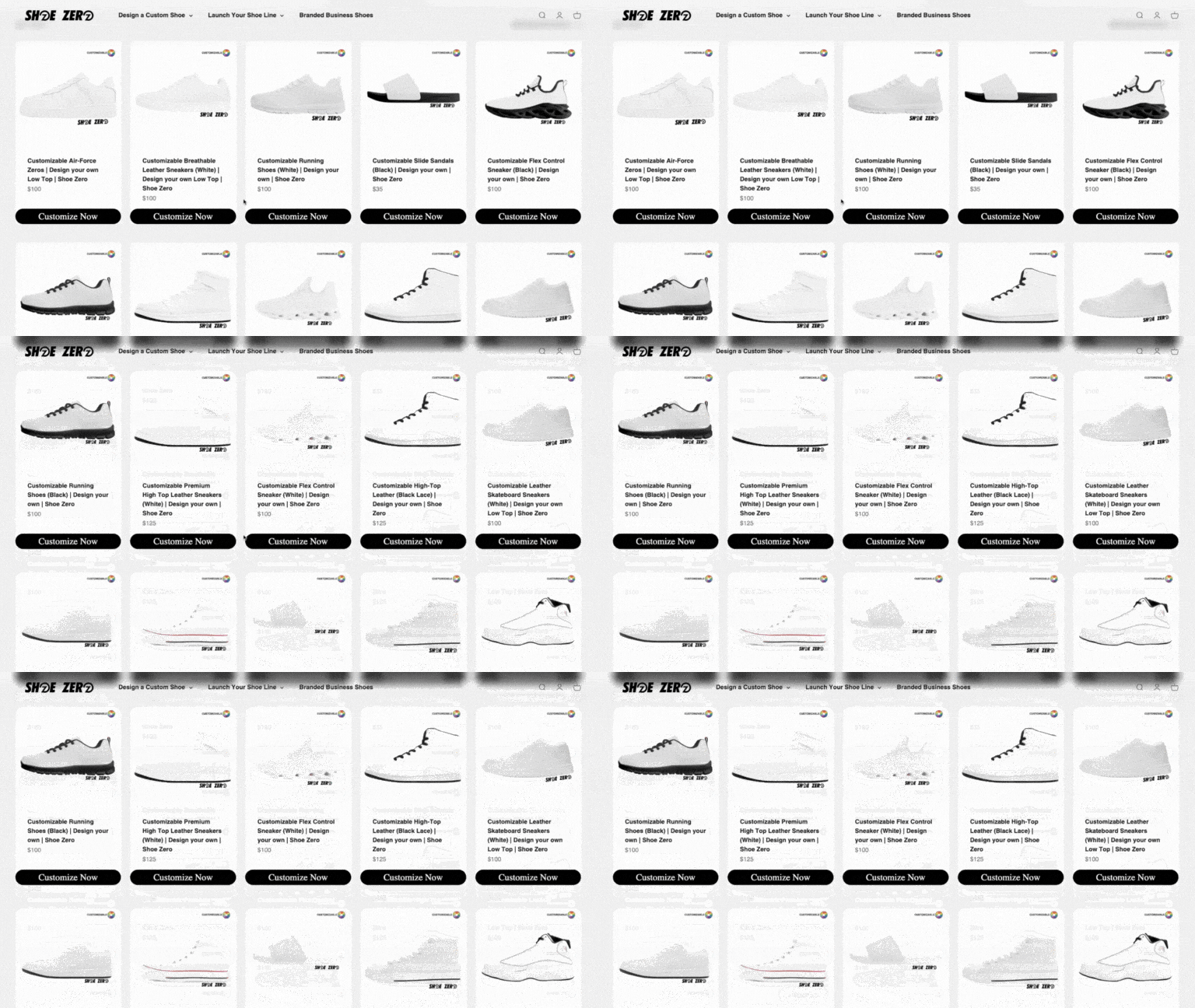
Step 1: Choose Your Shoe Style
Start the customization process by selecting your preferred shoe style from our extensive catalogue, which includes a wide range of options of low-tops, boots, sneakers, and basketball shoes. Our collection is carefully put together to suit different tastes and needs, making sure everyone can find the perfect shoe to start customizing.
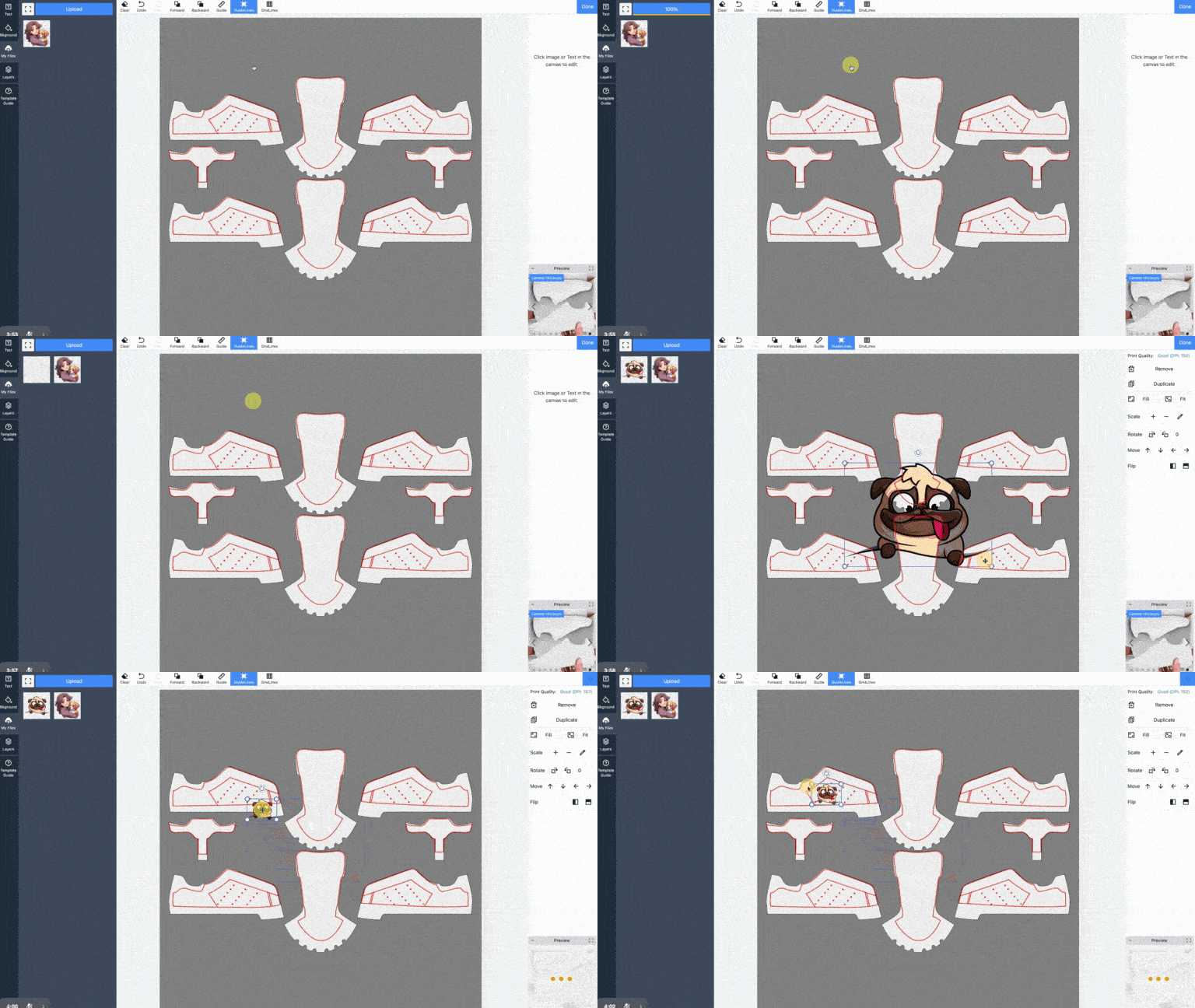
Step 2-a: Add Your Designs: Any Photos, Logos, or Texts.
You can add your own pictures, symbols, or words. First, upload them. Then, move them around to put them on the parts of the shoe that you can change. This way, you can make your shoes look just how you want.
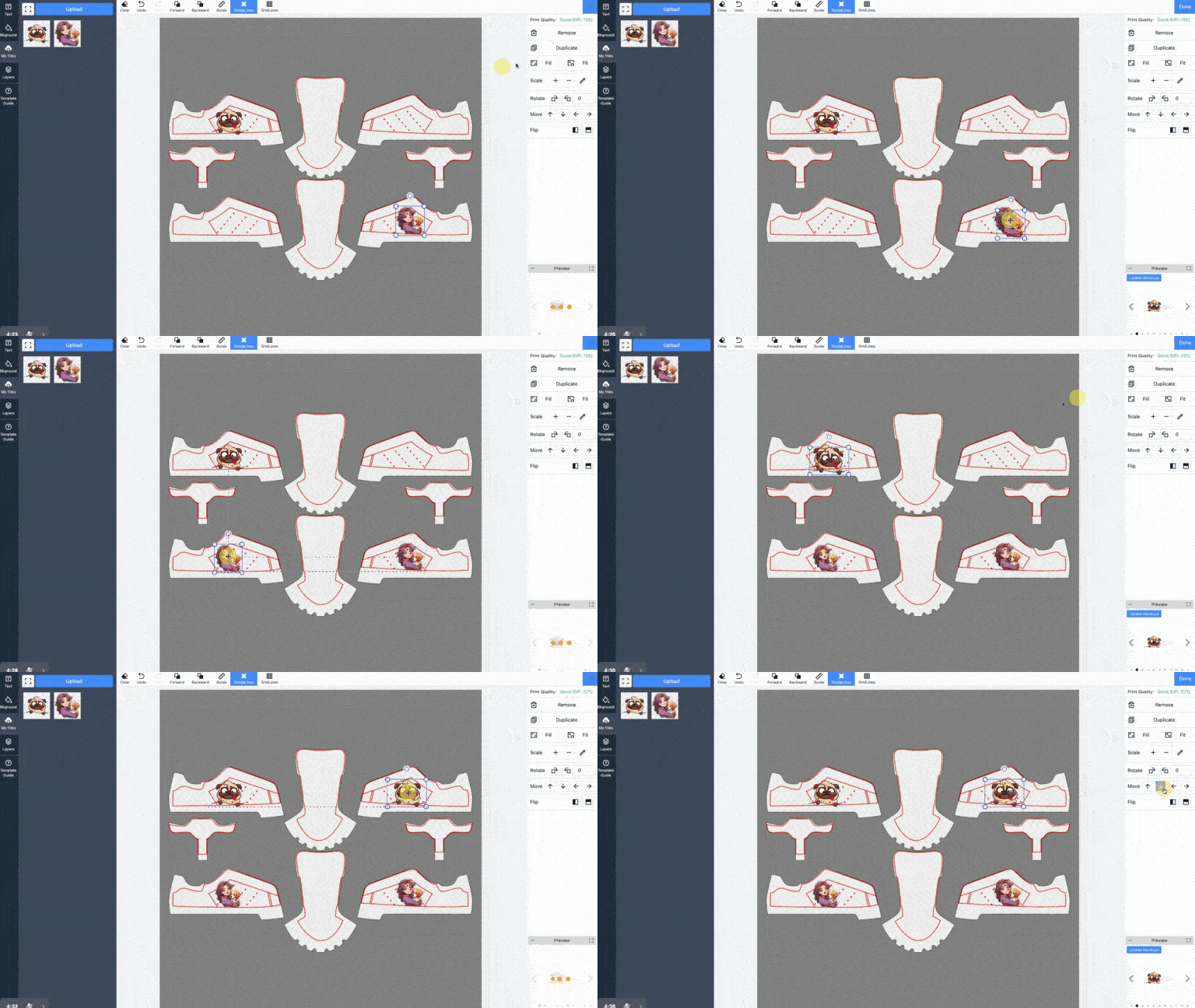
Step 2-b: Use Our Side Tools
On the sides, we have tools that let you easily make copies, change the size, and move your pictures around. These tools are there to help you get your design just right without any hassle.
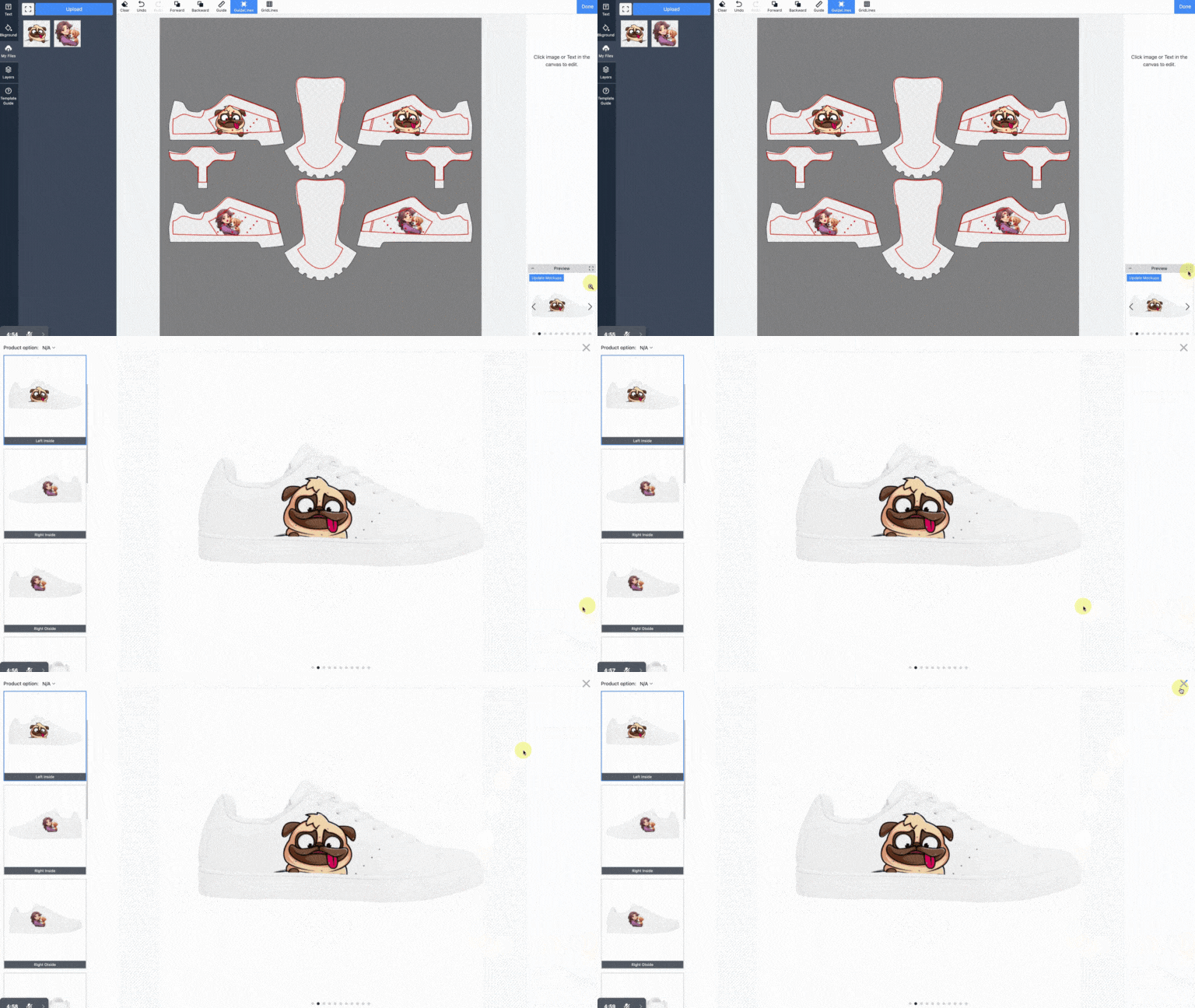
Step 2-c: Check your designs
Check your designs using our preview pane located on the bottom right corner. You can see your designs realtime on the shoes with many angle views, top, sides, back view.
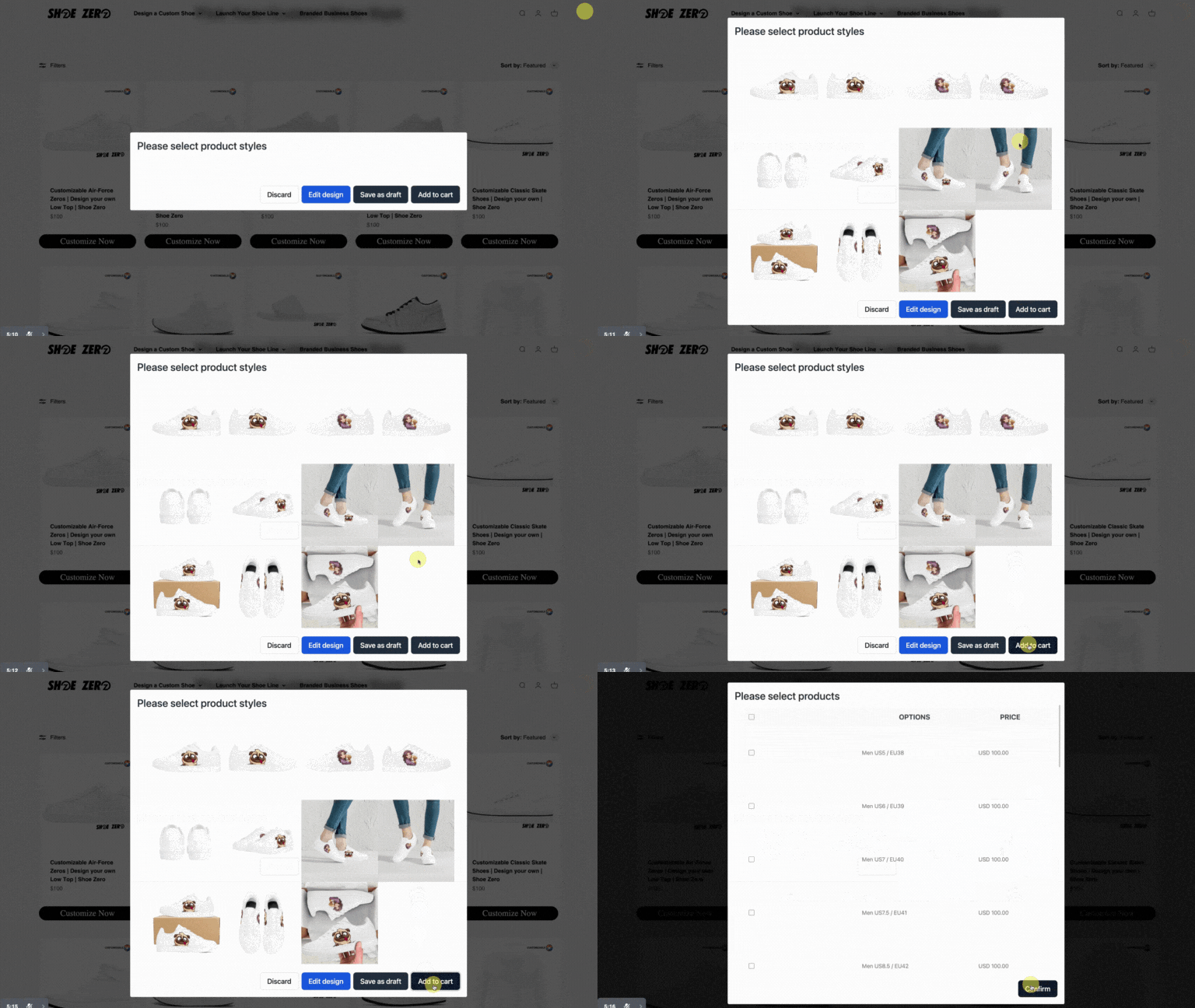
Step 3: Save Your Design
Once you are happy with your customization, click Done to save your design. Then, add your uniquely customized shoes to the cart and proceed to checkout your very own custom shoes.
Ready to design your shoes?
Start customizing now or contact us if you have any questions.
